

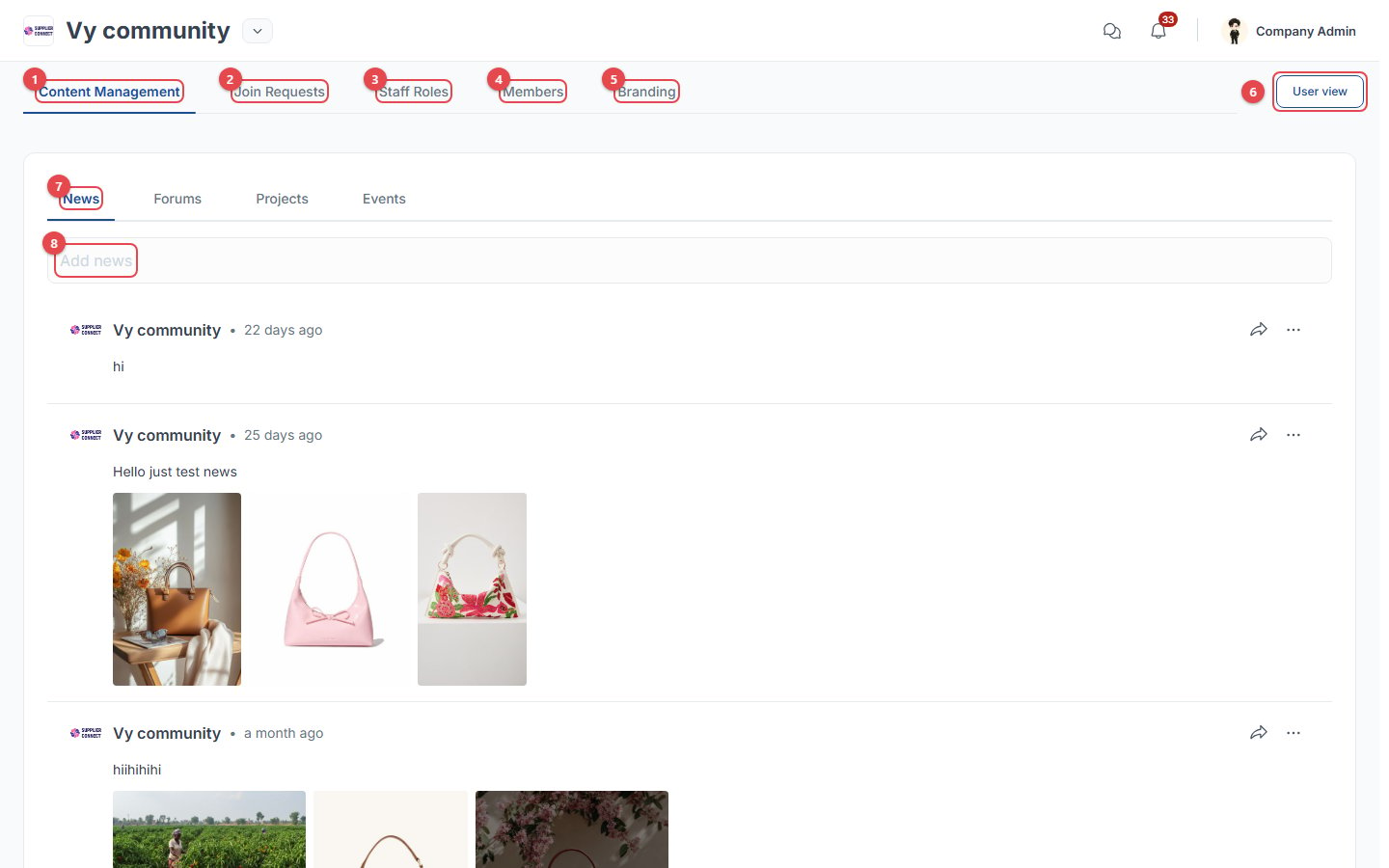
- Content Management: news, forums, projects and events.
- Join Requests: companies asking to join.
- Staff Roles: who can manage this community.
- Members: member companies.
- Branding: logo, cover and colours.
- User view: see the community the way members do.
- Content type tabs: News, Forums, Projects, Events.
- Add news: post text, images, videos, files and a link to selected community groups. Use … on a post to edit or delete it.
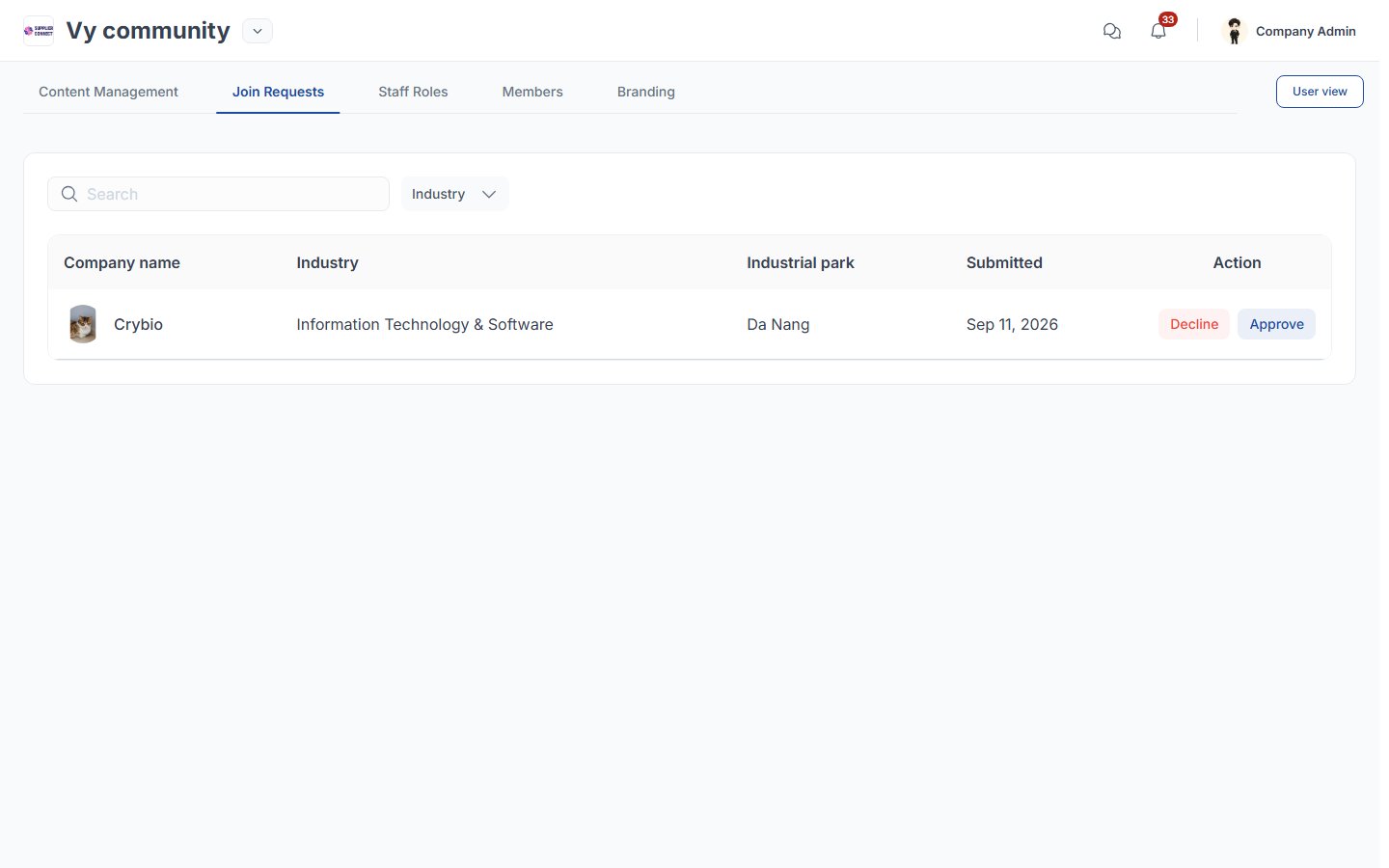
Join requests
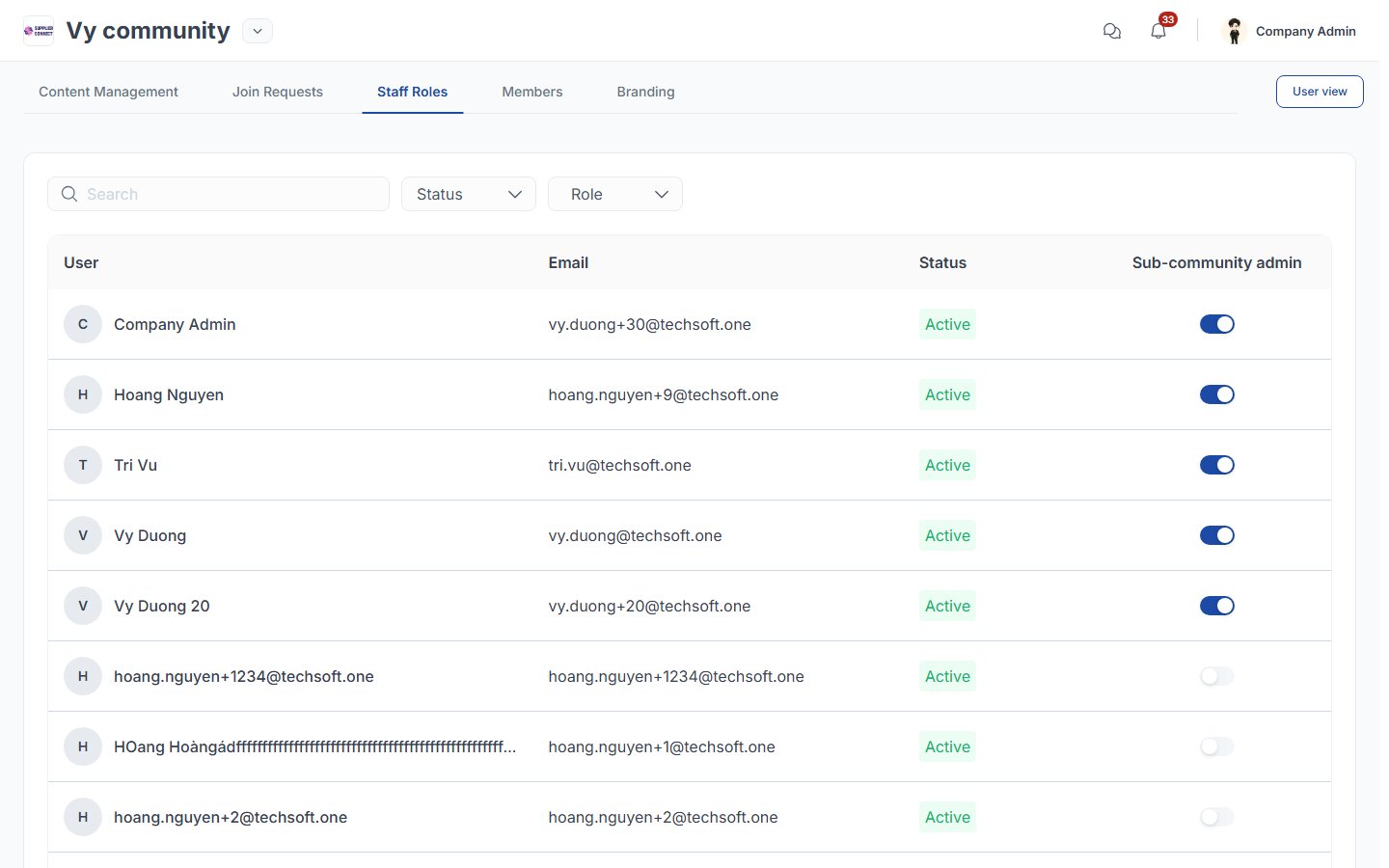
Staff roles
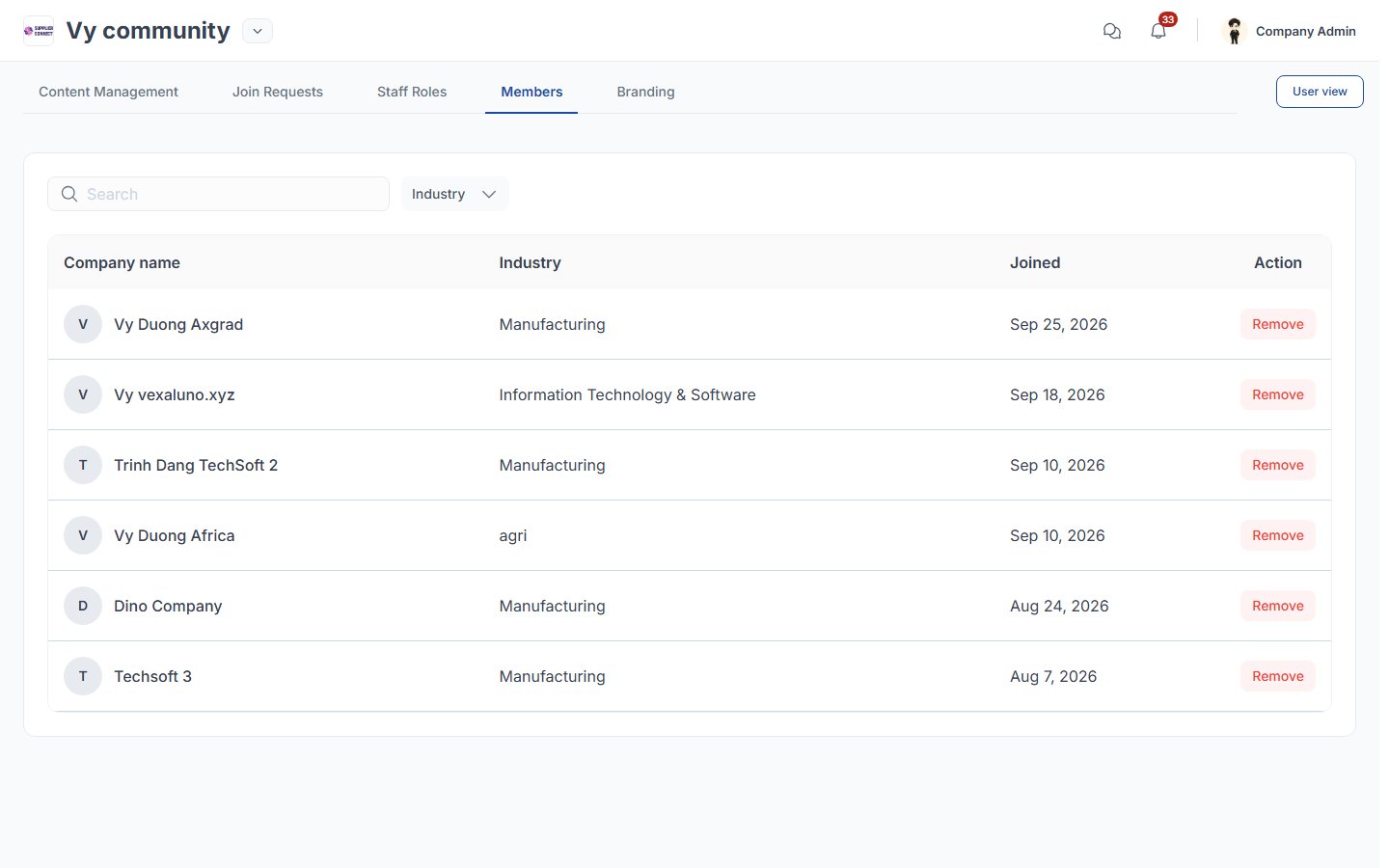
Members
Branding
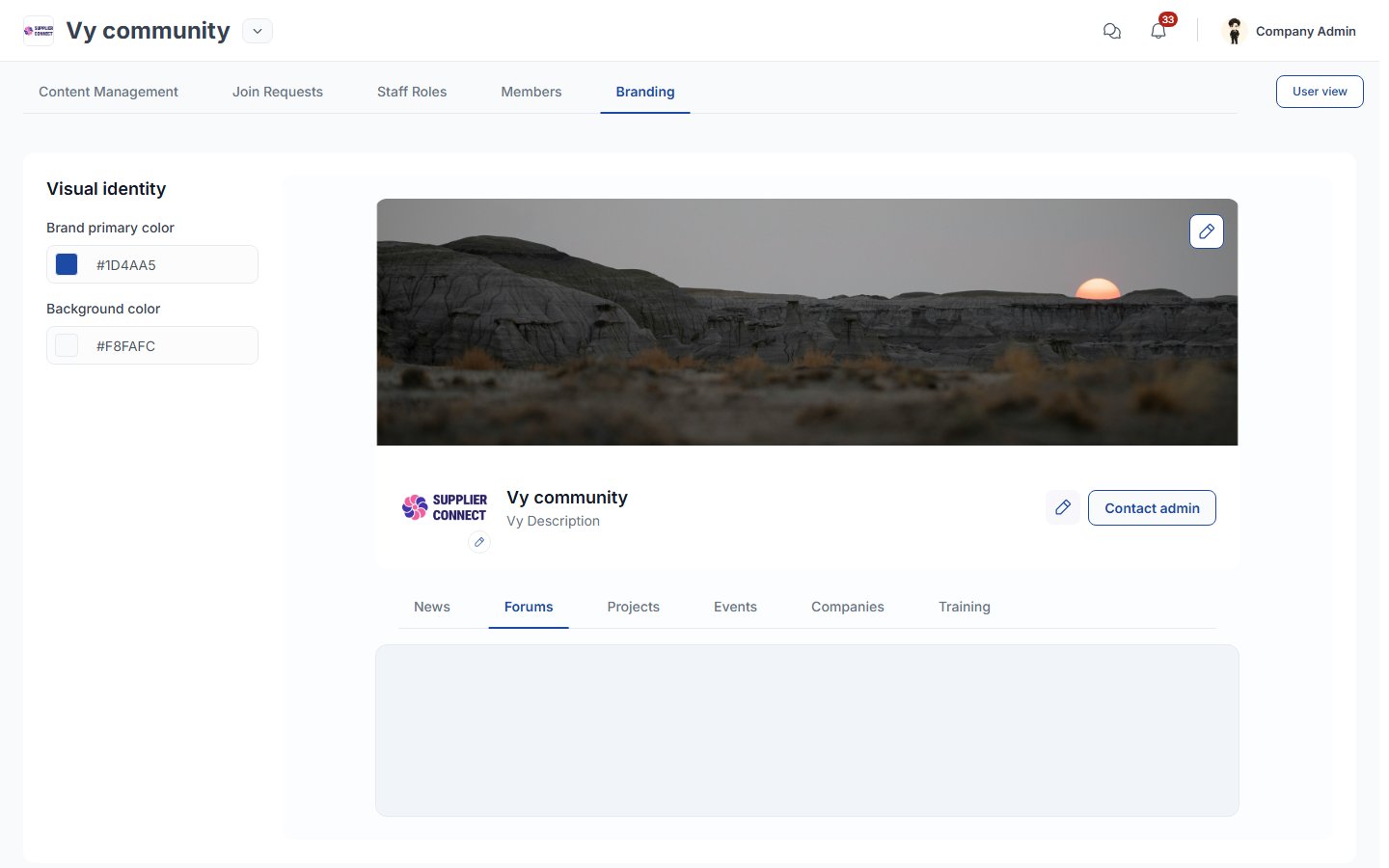
- On the left, set the Brand primary color and Background color.
- On the right, the preview has ✏️ icons for the cover image (PNG/JPG up to 2 MB), the logo, and the name and sub-heading.