

Create a project
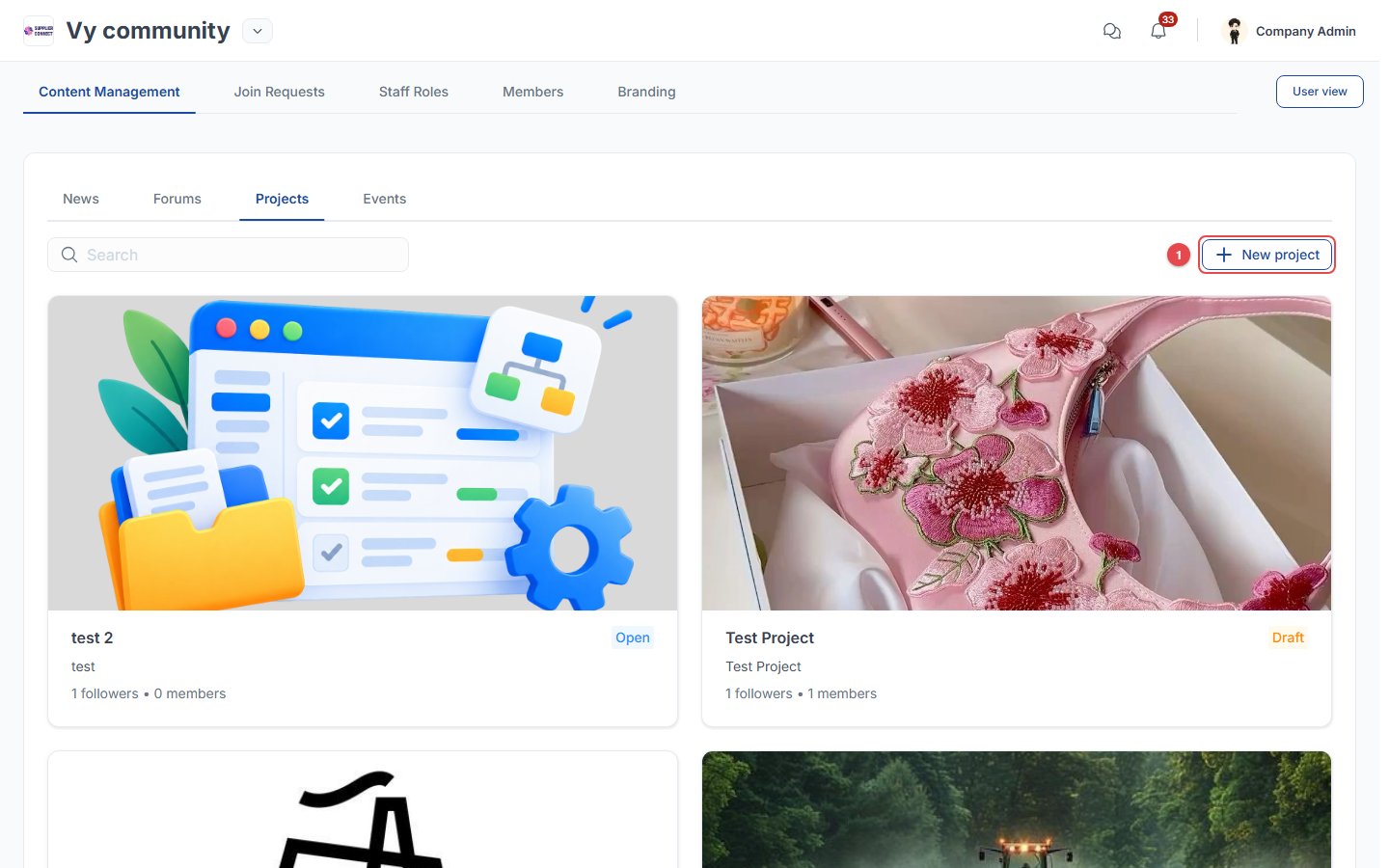
- Enter the name, summary, description and thumbnail.
- Choose who can post updates.
- Set the target audience.
- Add optional fee packages, one-time or per unit (e.g. per student), with payment information.
Manage a project
Open a project to:- Change its status.
- Review Join requests: open the request form and proof of payment, then Approve or Reject.
- See the Companies joined.
- Add Posts for all followers or only joined companies.
- Upload Documents (PDF/DOCX/TXT, up to 10 files of 10 MB).